USB Lock
$2,400 once
- Current kiosk APK, USB unlock
- No office account
- No updates after you install
- Licensed to your school and board count

For school SMART boards
Students cannot browse. Teachers unlock with a USB that only works on that stick. Your office sees every classroom from one console.
Product tour
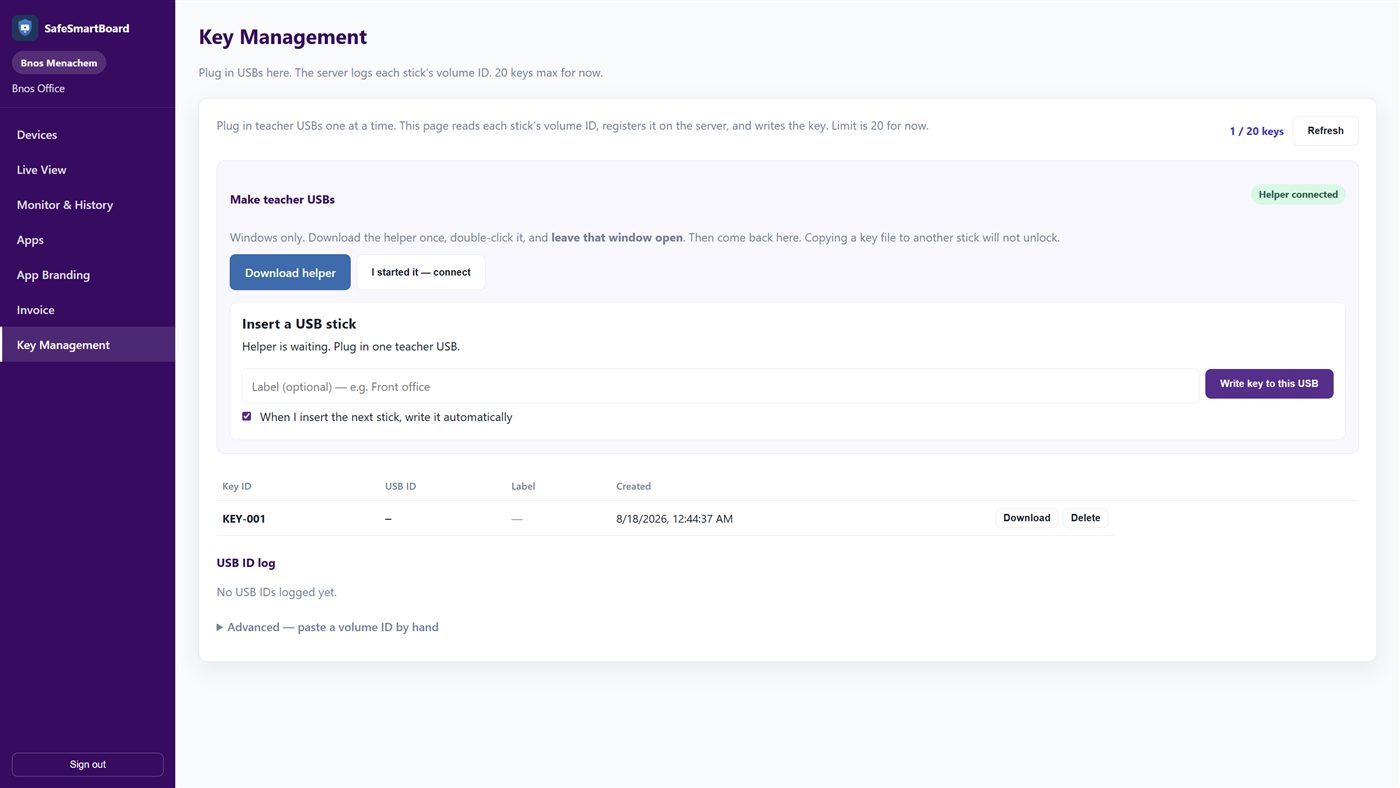
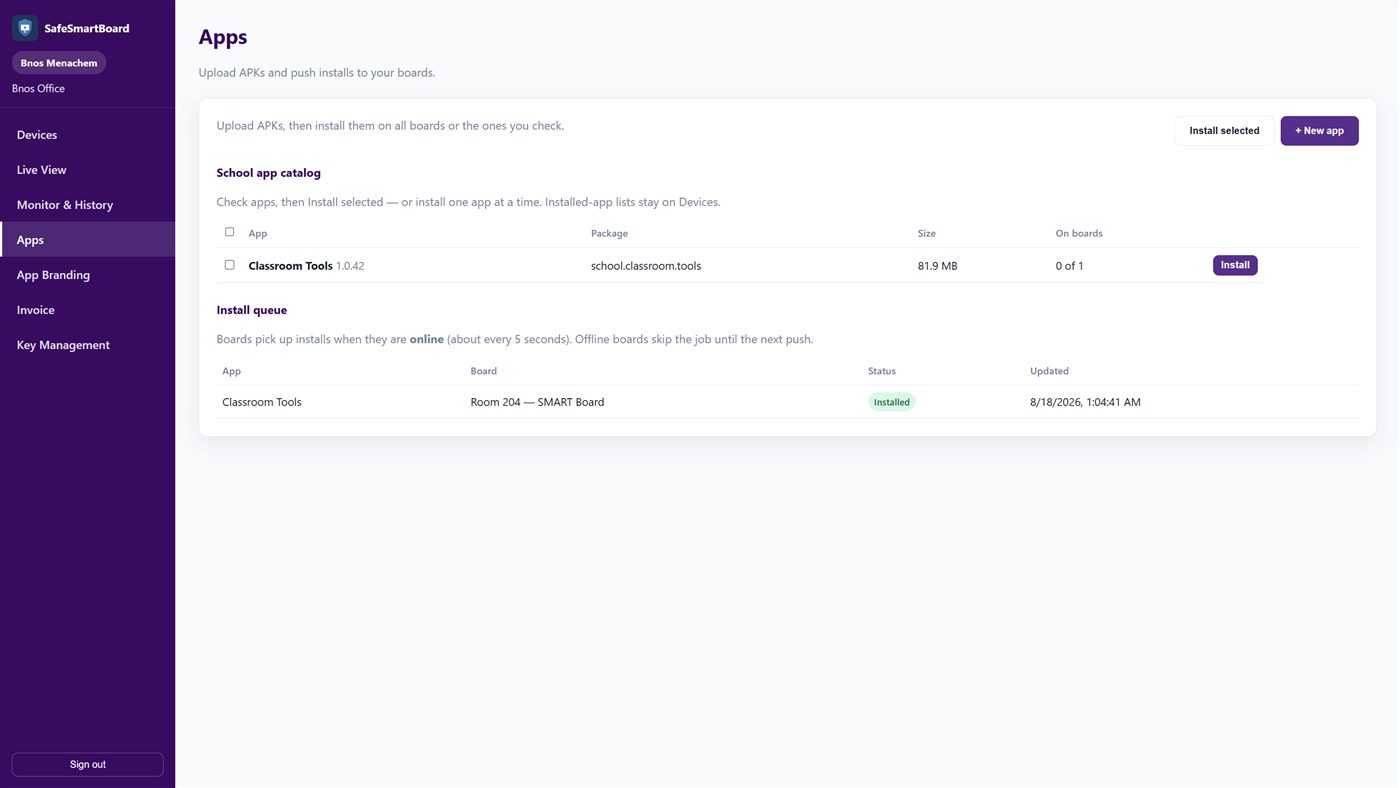
Real screens from the school console — devices, live view, teacher USBs, apps, and lock-screen branding.
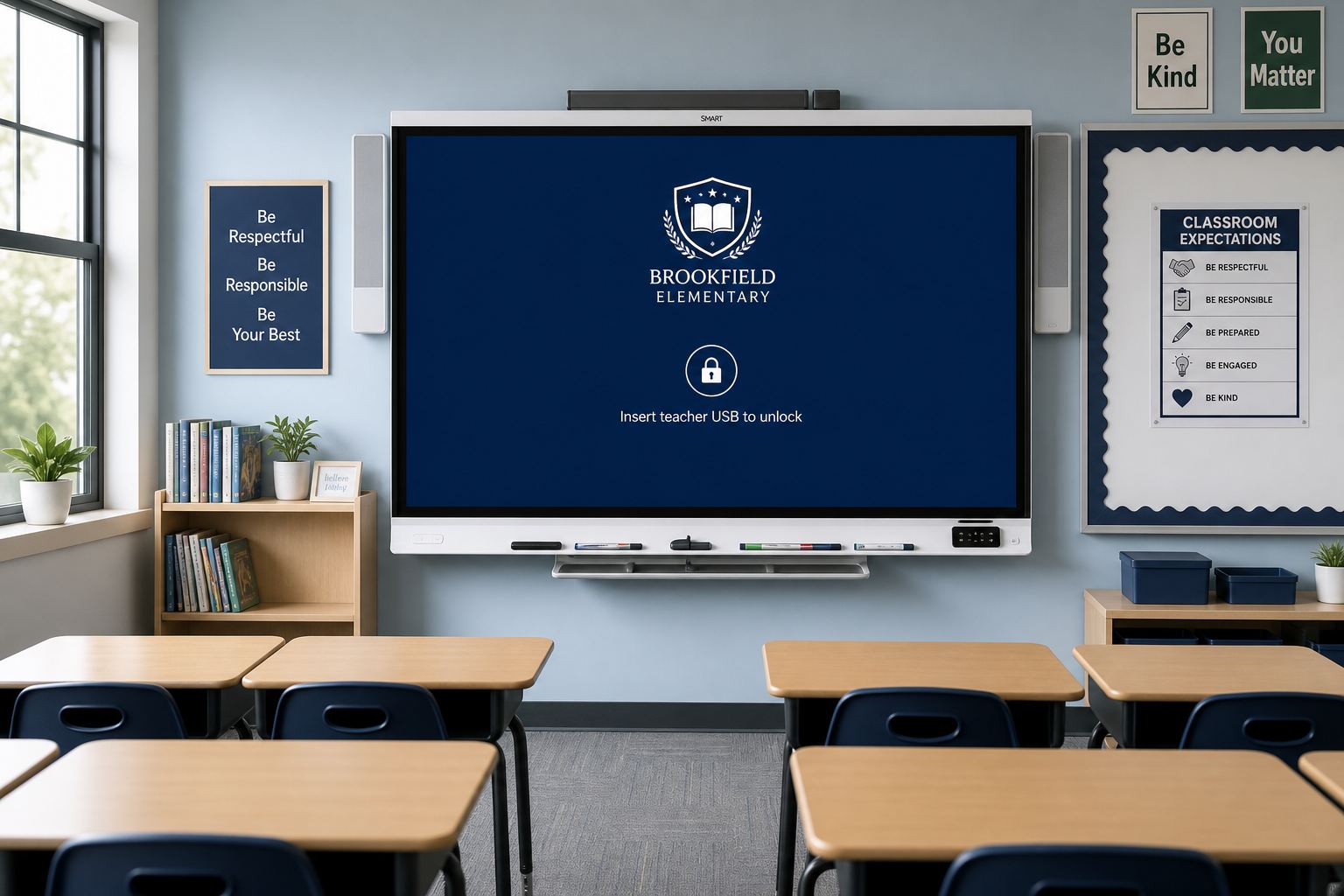
Boards sit locked with your school message until a teacher USB is inserted.
How it works
The classroom SMART board boots into a school-branded lock screen. Students cannot open a browser or leave the kiosk.
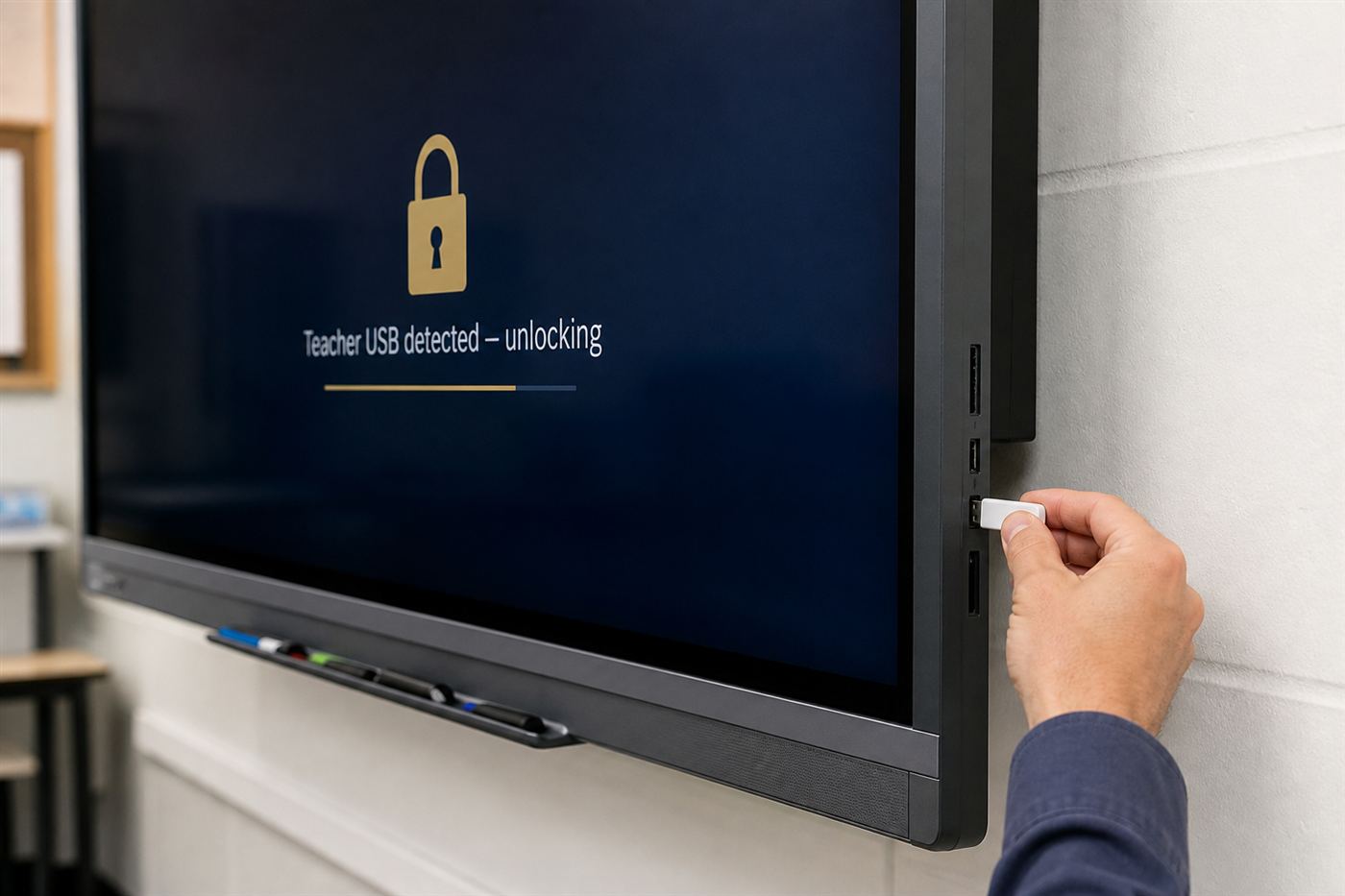
Each teacher key is bound to that USB’s volume ID. Copying the file to another stick does not unlock. Unplug and the board locks again.
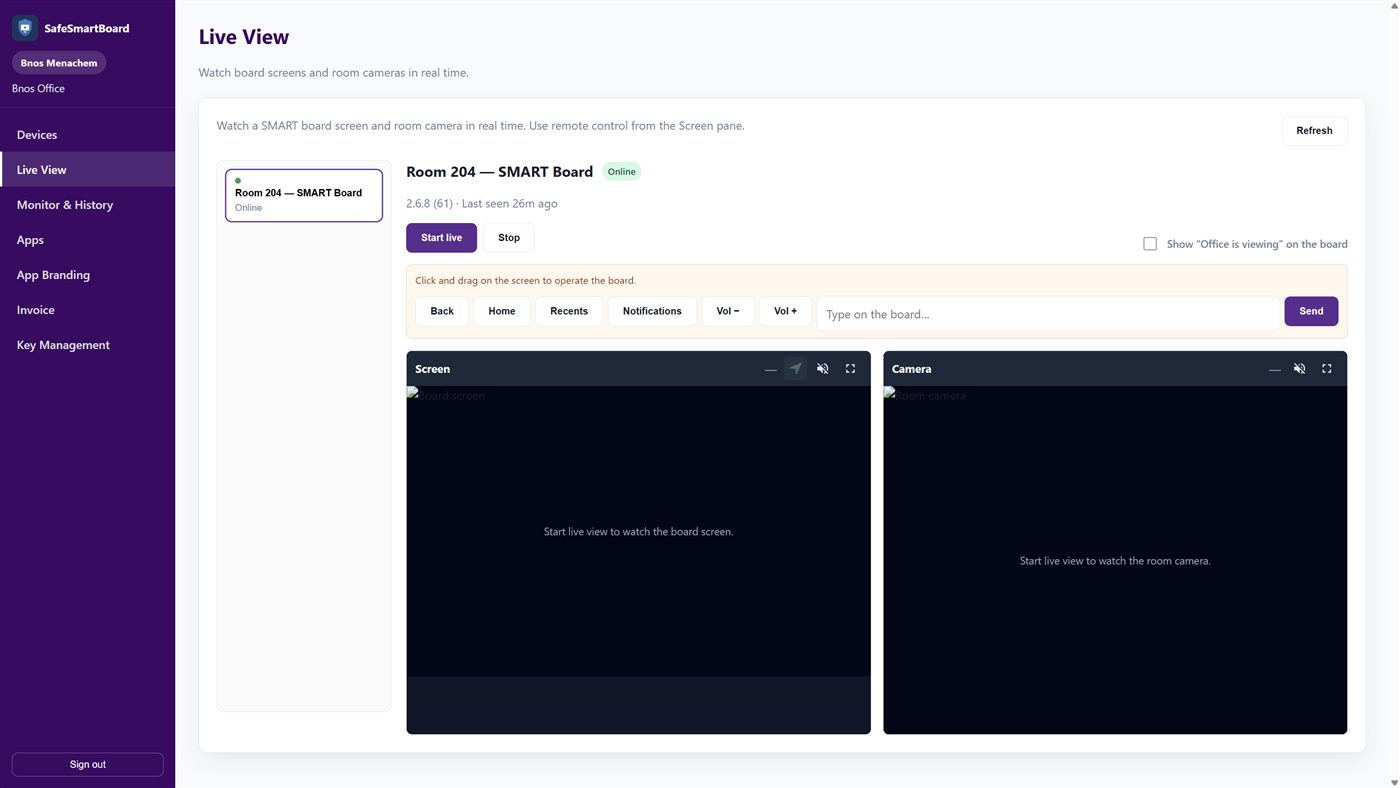
The office can lock a board immediately, watch the screen and room camera, push apps, and issue or revoke USBs.
On the board
This is not a phone MDM. The app is a classroom kiosk: lock screen, teacher USB, school logo, and a safe browser when a key is present.
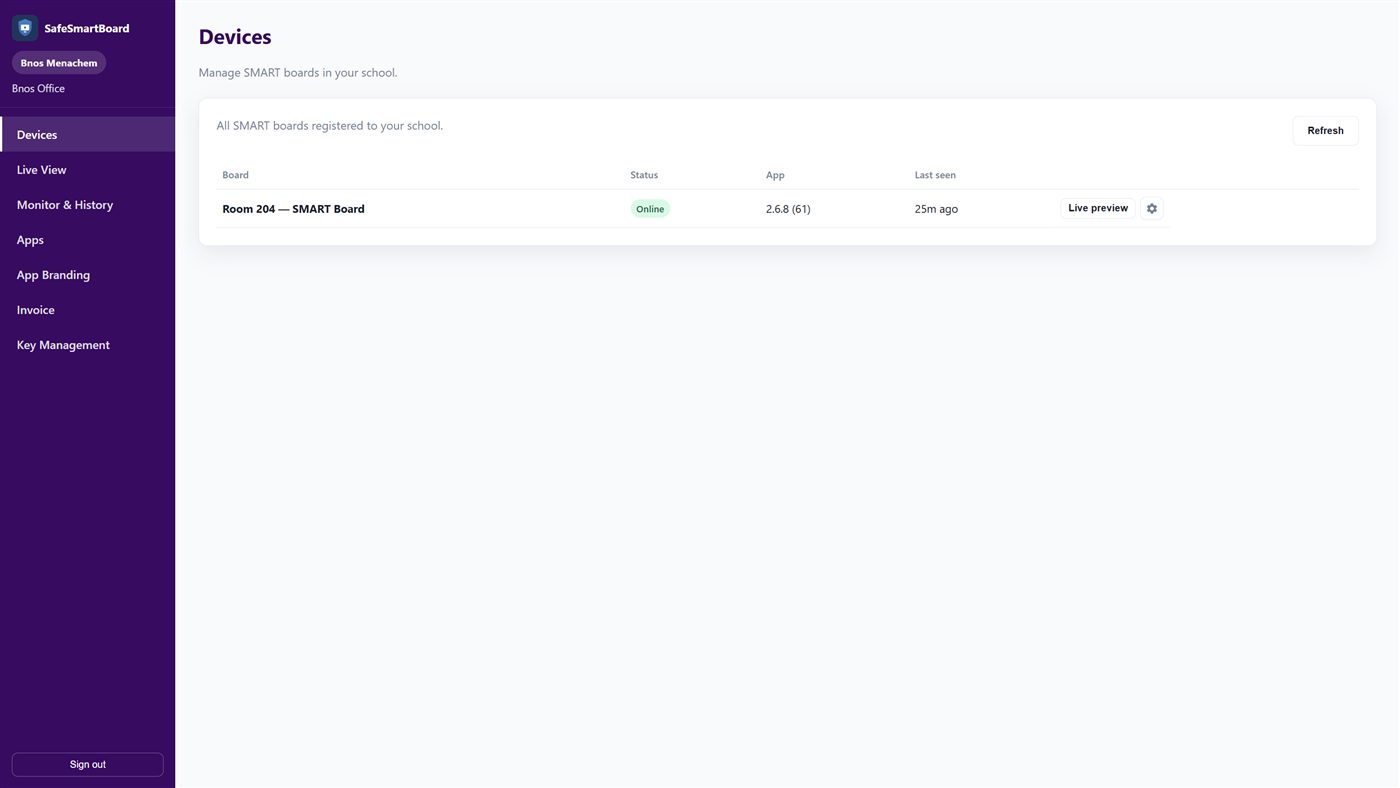
School office console
Each school gets its own console. Staff see online status, push updates, and manage keys without touching the SMART software students used to wander through.
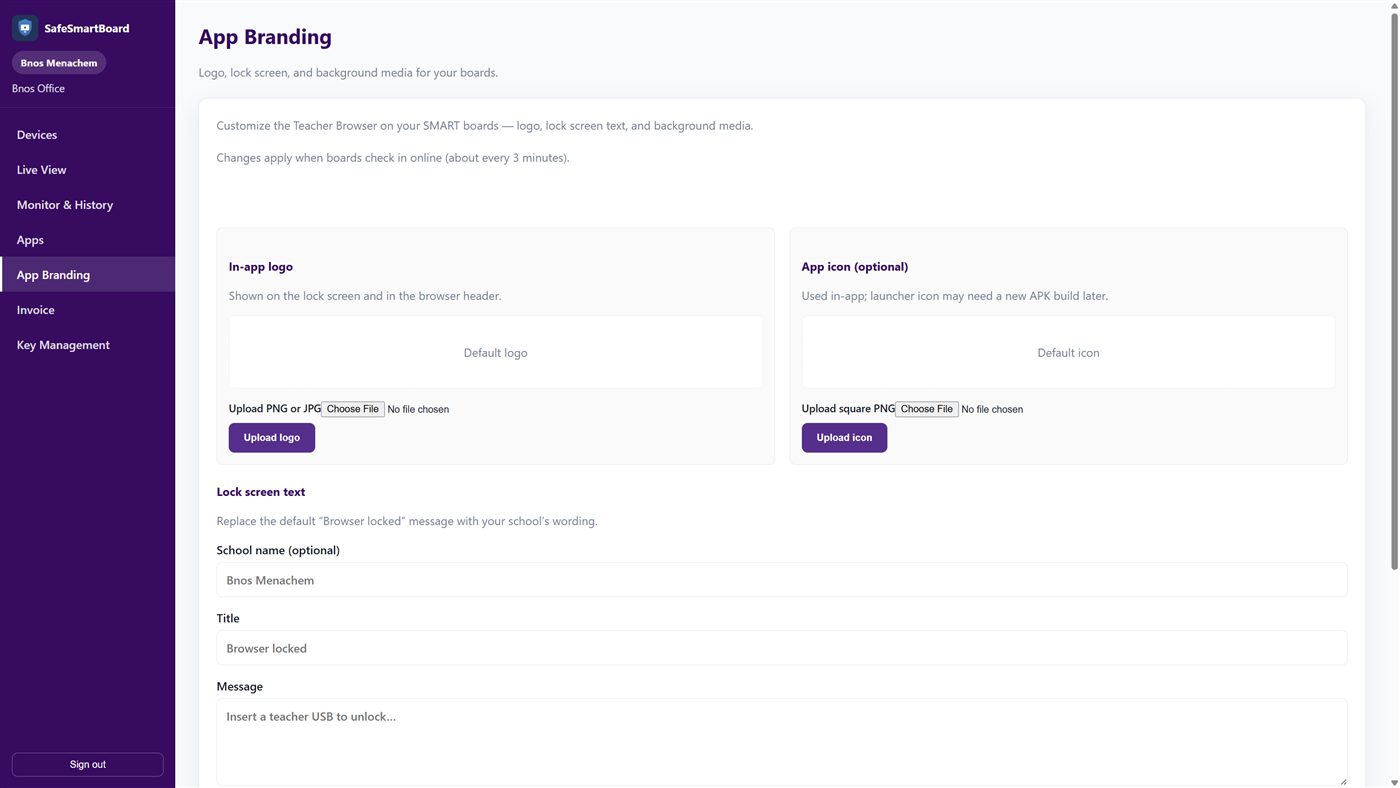
Looks like your school
Set the logo, title, and “insert teacher USB” message once. Boards pick it up on the next check-in. Optional slideshow or looping video behind the lock message.
Pricing
Cloud is what most schools should buy — office, updates, Live View. USB Lock is a high one-time price for schools that refuse an account. Care sits in the middle: same lock, plus yearly updates.
$2,400 once
$4,200 once
$720/yr Care
Recommended
$144/mo Standard
Same board count. More features cost more. Price is per board; the total is boards × that rate. Yearly is 15% less.
$8/board/mo
$96/mo for 12 boards
Most schools
$12/board/mo
$144/mo for 12 boards
$16/board/mo
$192/mo for 12 boards
Subscribe from the school console. Extra boards above your quote are billed at the same per-board rate. 50+ boards? Email us.
Tell us how many SMART boards you have. We will set up the school console and teacher keys.